Setting Up Your First Link-in-Bio Page
A well-organized link-in-bio page drives significant traffic from your Instagram profile.
Step 1: Choose Your Platform
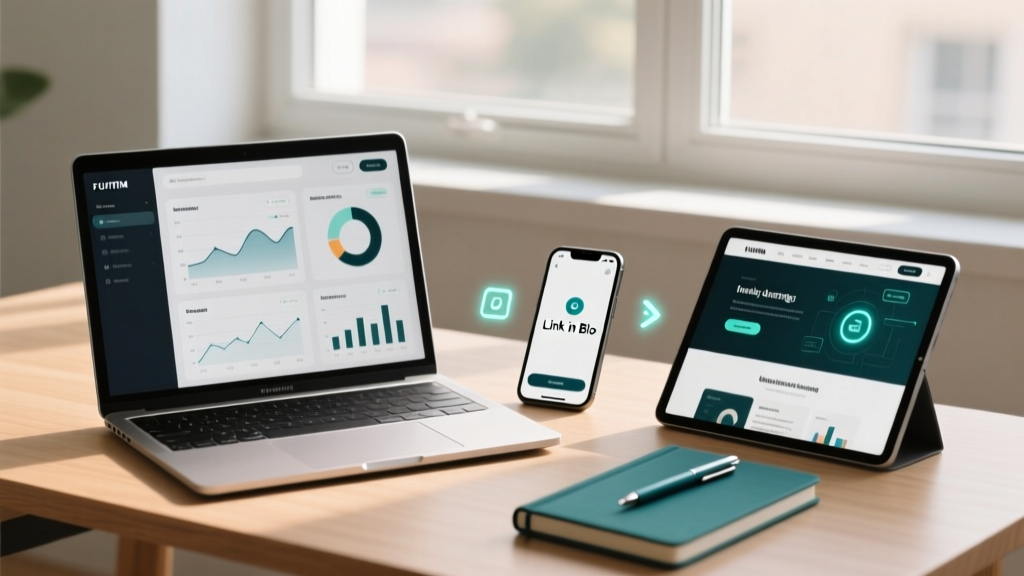
Pick based on your needs. Linktree for simplicity, Stan Store for selling, Beacons for analytics.
Step 2: Add It to Instagram
Go to Edit Profile, Website field, paste your link-in-bio URL. Save changes.
Step 3: Prioritize Your Links
Put your most important link at the top. It gets the most clicks.
Step 4: Design for Clicks
Use clear button text. Add thumbnails for visual distinction. Keep colors consistent with your brand.
Step 5: Update Regularly
Refresh weekly. Remove outdated links, promote new content, adjust order based on performance.