Why Your Link-in-Bio Page Needs Optimization
Most people set up a link-in-bio page and forget about it. But your bio link page is a landing page — and like any landing page, it can be optimized for better conversions. Small changes can dramatically increase clicks and sales.
Layout Principles That Convert
1. The F-Pattern Layout
Research shows users scan pages in an F-pattern. Place your most important links at the top, with the primary CTA as your first button.
2. Maximum 5-7 Links
Too many choices cause decision paralysis. Limit your page to 5-7 links maximum. If you need more, group them into categories or use a "More" section.
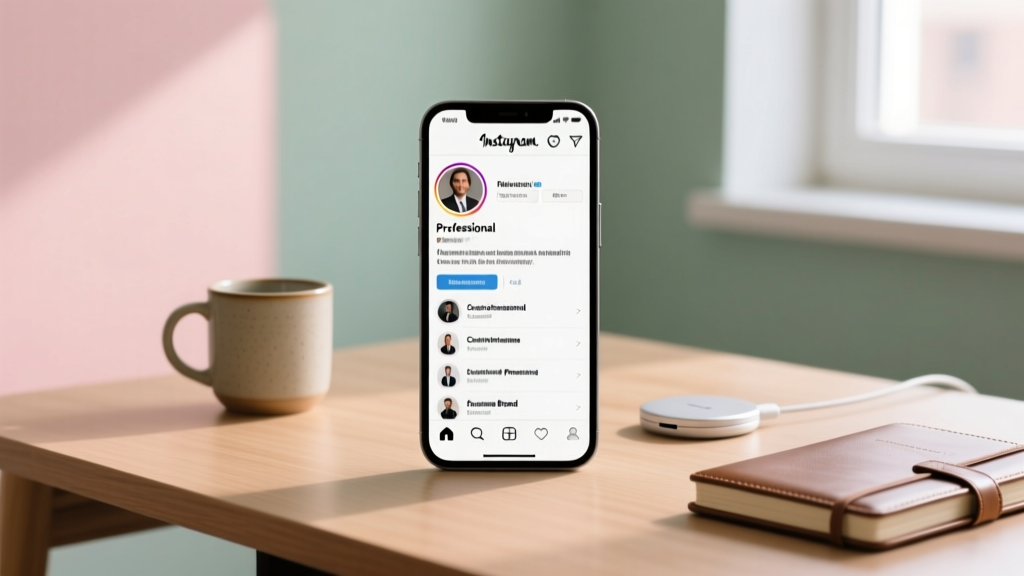
3. Visual Hierarchy
Use size, color, and position to guide attention:
- Largest button → Your #1 priority (shop, sign up, latest content)
- Medium buttons → Secondary actions (social media, blog)
- Small text links → Tertiary info (privacy policy, contact)
CTA Button Optimization
Use action verbs:
- ✅ "Shop the Collection" (specific)
- ❌ "Click Here" (vague)
- ✅ "Get My Free Guide" (value-driven)
- ❌ "Blog" (not compelling)
Add urgency when appropriate:
- "Limited Edition — Shop Now" ⏰
- "Free Until Friday" 📅
- "New This Week" 🆕
A/B Testing Your Link Page
Test one variable at a time:
- Button order: Does your top link get more clicks in position 1 vs 2?
- Button text: "Shop Now" vs "Browse Collection" — which converts better?
- Colors: Do contrasting buttons outperform brand-matched ones?
- Images: Does adding thumbnails next to links increase clicks?
Common Link-in-Bio Page Mistakes
- Too many links (overwhelming visitors)
- Outdated links (promoting expired offers)
- No clear hierarchy (everything looks the same)
- Slow loading time (every second loses 20% of visitors)
- Not mobile-optimized (98% of Instagram users are on mobile)