Instagram's Link Limitation
Instagram only allows one clickable link in your bio. For creators, businesses, and influencers who need to direct followers to multiple destinations, this is a real constraint. Here are the best solutions in 2026.
Solution 1: Link-in-Bio Tools
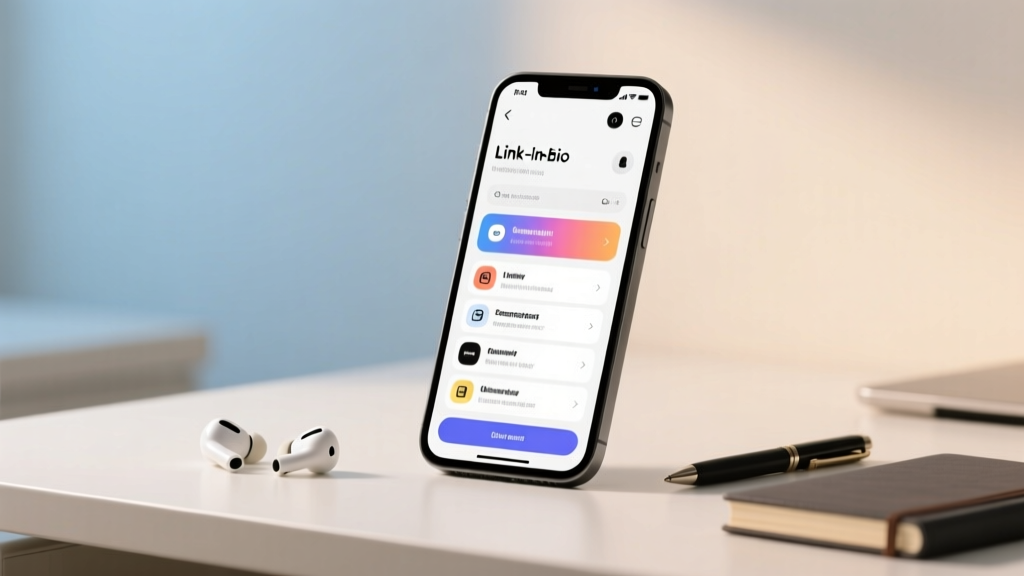
The most popular approach. Tools like Linktree, Beacons, and Koji create a landing page with multiple links. You place one URL in your bio that opens a page with all your destinations.
Setup Steps
- Create an account with your chosen link-in-bio tool
- Add all your important links (website, shop, social, etc.)
- Copy your unique link-in-bio URL
- Open Instagram → Edit Profile → Website → Paste your link
Solution 2: Instagram's Native Link Feature
Instagram has been testing multiple bio links in select regions. If available in your area, you'll see an option to add up to 5 links directly in your profile settings.
Solution 3: Bio Link Rotator
Some tools let you schedule different links for different times. Promote your latest blog post this week, switch to your shop next week — all with one URL.
Best Practices
Put your most important link first. Update links regularly. Use clear, descriptive labels so followers know where each link leads. And always test your links after updating.