Why You Need a Link-in-Bio Solution
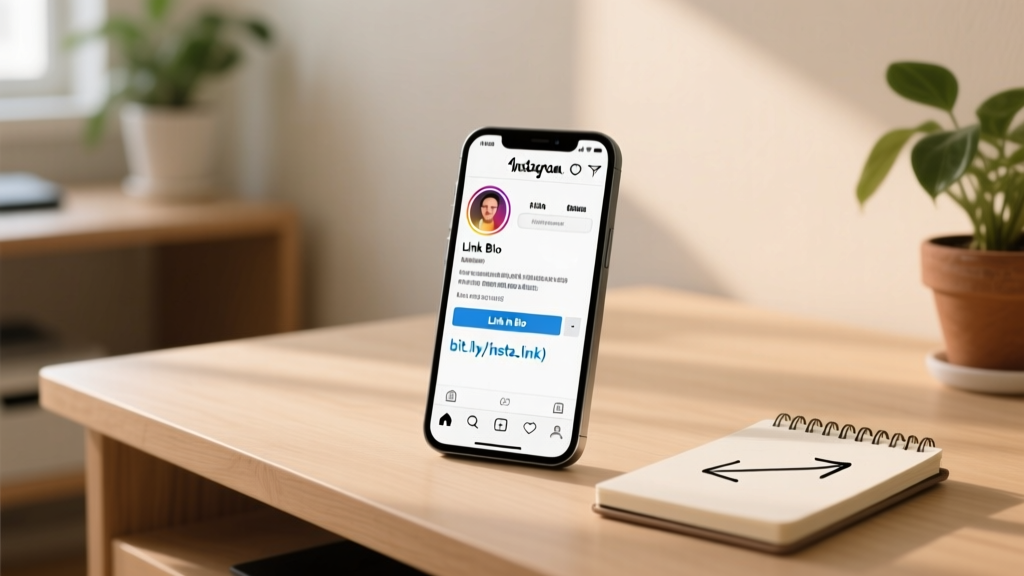
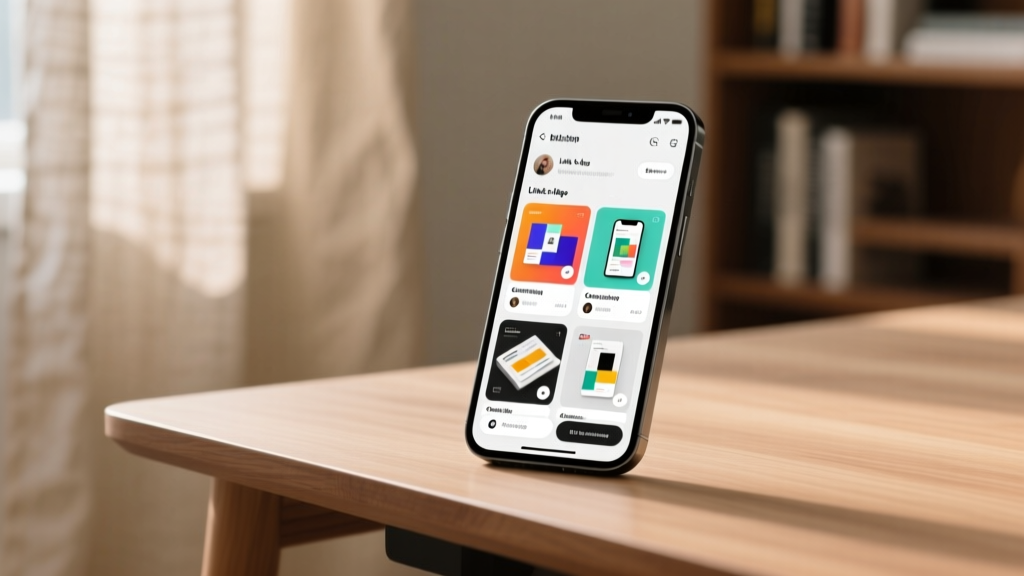
Instagram only gives you one clickable link in your bio. If you have multiple destinations (blog, shop, YouTube, newsletter), you need a link-in-bio tool to maximize that single link.
Step 1: Choose Your Tool
Pick a link-in-bio platform based on your needs:
- Simple link list: Linktree, Bio.link
- Design-focused: Beacons, Carrd
- Selling products: Stan Store, Gumroad
Step 2: Create Your Account
Sign up for your chosen tool. Most offer a free tier. Set up your page with your brand colors and logo.
Step 3: Add Your Links
Add links in priority order — the most important destination goes first. Common links include:
- Latest blog post or video
- Shop or product page
- Newsletter signup
- Other social profiles
- Free resource or lead magnet
Step 4: Add to Instagram
Go to your Instagram profile → Edit Profile → paste your link-in-bio URL in the Website field. Save.
Step 5: Optimize for Clicks
- Use a clear CTA in your bio: "Shop ↓" or "Free guide ↓"
- Pin a comment on relevant posts pointing to your bio link
- Use Stories with "Link in bio" callouts
- Update links regularly to keep content fresh
Step 6: Track Performance
Check your link-in-bio analytics weekly. See which links get the most clicks. Remove underperforming links and test new ones.
Pro Tips
Use UTM parameters to track which links drive the most traffic in Google Analytics. Create a custom domain for your link-in-bio page for a more professional look.