Why Tracking Matters
Your bio link is one of the most valuable pieces of digital real estate you own. But without tracking, you're flying blind — you don't know how many people click, which links they tap, or whether those clicks lead to sales.
Method 1: Built-in Analytics (Link Tools)
Most link-in-bio platforms include analytics dashboards:
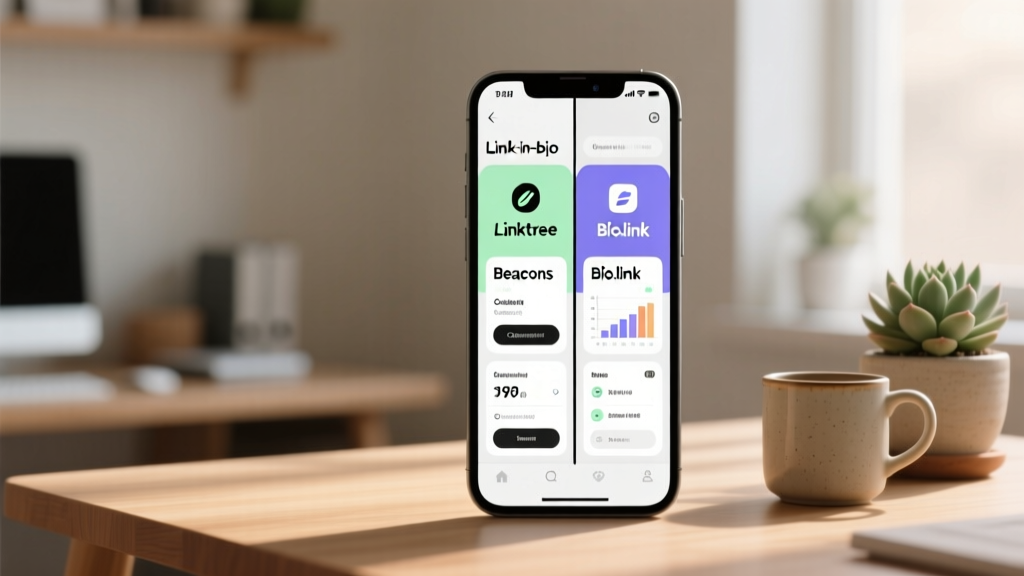
- Linktree: Views, clicks per link, click-through rate (CTR). Free tier shows basic stats; Pro adds location and device data.
- Beacons: Detailed analytics including time on page, top links, and referral sources. AI insights suggest improvements.
- Stan Store: Clicks, sales, and revenue attributed to each link.
Method 2: UTM Parameters + Google Analytics
For deeper tracking, add UTM parameters to each link in your bio hub:
- utm_source=instagram
- utm_medium=bio
- utm_campaign=fall_sale (or the specific link name)
Then check Google Analytics → Acquisition → Traffic acquisition → Filter by source: instagram. You'll see exactly which bio links drive sessions, engagement, and conversions.
Method 3: URL Shorteners
Use Bitly or TinyURL to create trackable short links. They show click counts, geographic data, and referral sources. Useful for comparing bio link performance vs. Story link performance.
Key Metrics to Monitor
- Click-through rate: Bio link clicks ÷ profile visits. Industry average: 1–3%.
- Top link: Which link in your hub gets the most taps?
- Conversion rate: Of those who click, how many complete a desired action?
- Time trend: Do clicks spike after you post? Track weekly patterns.
Optimization Tips
Test different CTAs in your bio text to see which drives more clicks. Rearrange links — the top link gets the most clicks (primacy effect). Remove underperforming links to reduce choice overload. A/B test landing pages behind your links to improve conversion rates.