What Does Link in Bio Actually Mean on Instagram?
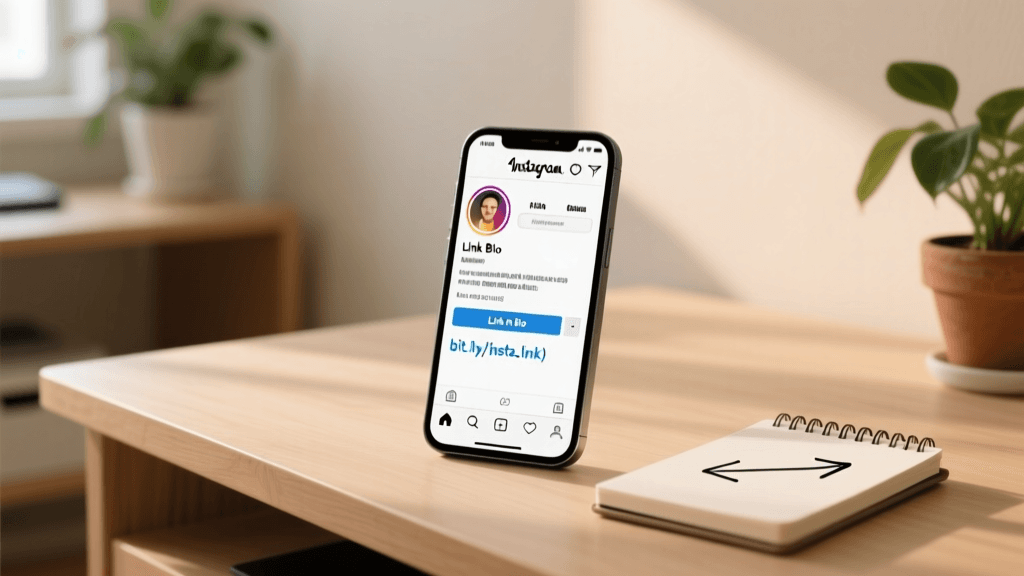
When you spend time scrolling through Instagram, you have likely encountered the phrase 'link in bio' countless times. But what does link in bio mean on Instagram, and why has it become such a ubiquitous part of the platform's culture and marketing lexicon? At its core, the term refers to the single, clickable URL that users are allowed to place in the website field of their Instagram profile. Because Instagram does not allow clickable hyperlinks in post captions or comments, creators, brands, and businesses must direct their audience to their profile if they want them to visit an external website, read a blog post, shop a product, or sign up for a newsletter.
The 'bio' is short for biography, which is the small section at the top of your Instagram profile that includes your profile picture, username, name, category, and a short text description. Directly beneath this text description is a dedicated field for a website link. This single link is the most valuable piece of digital real estate on your entire Instagram account. It serves as the primary bridge between your Instagram audience and your external digital ecosystem, whether that is an e-commerce store, a personal blog, a YouTube channel, or a professional portfolio.
The Literal Definition and User Experience
When a creator says 'link in bio' in a Reel, Story, or caption, they are issuing a direct Call-To-Action (CTA). They are instructing their followers to stop scrolling, navigate to their profile page, and click the URL provided. From a user experience perspective, this adds friction. Users must take multiple steps to reach the destination. However, because this is the only way to facilitate clickable traffic on the platform, audiences have been trained to understand and execute this sequence of actions. Understanding what link in bio means on Instagram is the first step toward mastering the platform's unique traffic-generation mechanics.
The History and Evolution of the Bio Link
To truly understand the current landscape, we must look at how the link in bio has evolved. In the early days of Instagram, the platform was purely a photo-sharing application. The bio link was often just a personal website or a blog URL, and it was rarely updated. As Instagram grew into a massive commercial and cultural hub, the limitations of having only one link became painfully obvious for businesses and creators who had multiple products, campaigns, or content pieces to promote simultaneously.
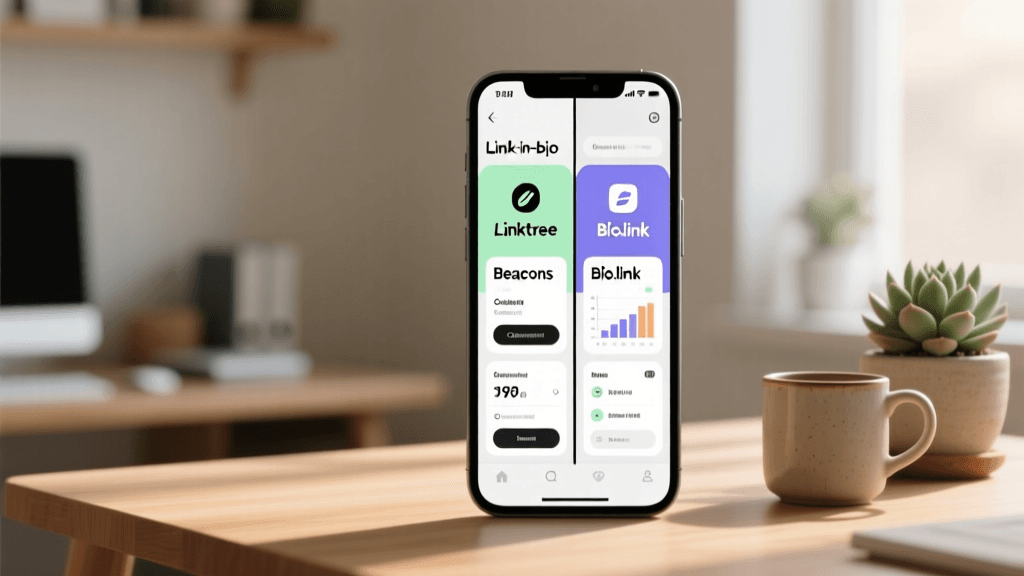
This limitation birthed an entirely new industry of 'link-in-bio' tools. Platforms like Linktree, Beacons, and Bio.link emerged to solve the single-link problem. Instead of linking directly to a single webpage, users began linking to a customized landing page that housed multiple buttons, each leading to a different destination. This transformed the bio link from a simple redirect into a fully functional, micro-website. Today, the link in bio is a sophisticated marketing funnel, complete with analytics, email capture forms, and direct e-commerce integrations.
Why the Link in Bio Strategy is Crucial for Growth
You might wonder why so much emphasis is placed on this single URL. The answer lies in the marketing funnel. Instagram is an incredible top-of-funnel platform for building brand awareness, engaging with an audience, and going viral. However, you cannot easily monetize or capture leads directly within the app's feed. The link in bio is the critical bridge that moves your audience from the awareness stage to the consideration and conversion stages.
- Traffic Generation: It is the primary mechanism for driving your Instagram followers to your owned platforms, such as your website or blog, where you control the user experience and data.
- Conversion Optimization: Whether you are selling merchandise, offering consulting services, or promoting affiliate products, the bio link is where the actual transaction or lead capture takes place.
- Audience Ownership: By driving users to an email newsletter sign-up page via your bio link, you transition your audience from a rented platform (Instagram) to an owned platform (your email list), protecting your business from algorithm changes.
- Content Hub: It acts as a centralized hub where followers can find everything you have mentioned in your Stories, Reels, and posts, improving the overall user experience and reducing friction.
Step-by-Step Tutorial: How to Add and Optimize Your Link in Bio
Now that we have established what link in bio means on Instagram and why it is essential, let us walk through a comprehensive, step-by-step tutorial on how to set up, optimize, and leverage yours for maximum impact.
Step 1: Choose the Right Link-in-Bio Tool
While you can simply paste your homepage URL into your Instagram profile, using a dedicated link-in-bio tool is highly recommended for anyone serious about growth. These tools allow you to house multiple links under one URL, track click analytics, and customize the design to match your brand. When selecting a tool, consider your specific needs:
- Linktree: The pioneer of the space. It is incredibly reliable, widely recognized, and offers robust analytics and integrations. It is perfect for users who want a straightforward, no-fuss solution with enterprise-level stability.
- Beacons: Highly favored by creators and influencers. Beacons offers beautiful, highly customizable designs, built-in media kits, and direct monetization features like digital product sales and tipping.
- Bio.link: A fantastic option for those who want a clean, minimalist interface without paying high subscription fees. It offers great design flexibility and is very user-friendly for beginners.
Step 2: Create and Design Your Landing Page
Once you have selected your tool, it is time to build your landing page. Think of this page as a micro-website. Your goal is to make navigation as intuitive as possible. Start by uploading your profile picture and ensuring your username matches your Instagram handle. Next, add your most important links. Prioritize them based on your current business goals. If you are launching a new product, that link should be at the very top. Use clear, actionable text for your buttons. Instead of 'My Website', use 'Shop the New Summer Collection'. Visual hierarchy is crucial; use contrasting colors for your primary CTA buttons to draw the eye immediately.
Step 3: Add the Link to Your Instagram Profile
With your landing page URL copied to your clipboard, open the Instagram app and navigate to your profile. Tap the 'Edit Profile' button. In the 'Website' field, paste your link-in-bio URL. Instagram also allows you to add up to four additional links in a dropdown menu, but your primary link-in-bio tool URL should be the main website link so it is visible without requiring an extra tap. Save your changes. Always test the link immediately by viewing your profile as a visitor and clicking the URL to ensure it loads correctly on mobile devices.
Step 4: Craft the Perfect Call-to-Action (CTA)
Having a great link is useless if nobody clicks it. You must actively direct your audience to it. In your Reels and video content, use verbal cues ('Click the link in my bio to get the free guide') and visual cues (pointing to where the bio link is located on the screen). In your captions, always include a text reminder at the bottom. In your Stories, use the 'Link' sticker, but also remind users that a permanent, comprehensive list of resources is available in your bio. Consistency in your CTAs trains your audience to check your bio regularly.
Designing a High-Converting Link in Bio Page
The visual appeal of your link-in-bio page directly impacts your conversion rates. If a user clicks your bio link and lands on a page that looks spammy, cluttered, or visually disconnected from your Instagram feed, they will bounce immediately. Visual consistency builds trust. If your Instagram feed features soft pastels and elegant typography, your link-in-bio page must reflect that same aesthetic.
For inspiration on aligning your visual identity, exploring aesthetic bio ideas can help you define the mood, color palettes, and typography that resonate with your target audience. Alternatively, if your brand focuses on sleek, modern, and uncluttered visuals, checking out minimalist bio ideas will provide excellent frameworks for keeping your link page clean and highly focused. Remember, a minimalist approach often leads to higher conversions because it reduces decision fatigue for the user. Limit your visible links to the top five most relevant destinations, and use a 'More' or 'Archive' button for older content.
Integrating Your Link in Bio with Other Platforms
A powerful link-in-bio strategy involves deep integrations with the platforms where you conduct business or showcase your work. Modern link-in-bio tools offer API integrations that pull data directly from other services, creating a seamless experience for your followers.
E-commerce Integrations: Shopify and Etsy
If you sell physical or digital products, your bio link should act as a storefront. Tools like Beacons and Linktree integrate directly with Shopify, allowing you to display product thumbnails, prices, and 'Add to Cart' buttons directly on your bio page. This drastically reduces the number of clicks required to make a purchase. For handmade goods and vintage sellers, integrating your Etsy shop ensures that your latest listings are automatically synced to your bio page, keeping your offerings up-to-date without manual intervention.
Portfolio Integrations: VSCO and Behance
For photographers, designers, and visual artists, your bio link is your digital gallery. Integrating platforms like VSCO allows you to showcase your presets and photo edits directly. You can embed video players from YouTube or Vimeo, and audio players from Spotify or Apple Podcasts. This turns your simple link page into a rich, multimedia portfolio that keeps users engaged on your page longer, increasing the likelihood that they will follow you on those secondary platforms or hire you for freelance work.
Tracking Analytics and Optimizing for Conversions
You cannot improve what you do not measure. One of the most significant advantages of using a dedicated link-in-bio tool over a standard website URL is the granular analytics provided. To truly master what link in bio means on Instagram from a business perspective, you must become proficient in reading and acting on this data.
- Click-Through Rate (CTR): Monitor how many profile visits translate into link clicks. If your profile visits are high but link clicks are low, your CTA in your captions and Stories is likely weak, or your bio text does not clearly explain the value of clicking the link.
- Link Performance: Analyze which specific buttons on your landing page receive the most clicks. This data tells you exactly what your audience cares about. If your 'Read the Blog' button gets zero clicks but your 'Shop Merch' button gets hundreds, pivot your content strategy to focus more on product showcases.
- Time of Day and Demographics: Many advanced tools show you when your audience is clicking and from which geographic locations. Use this data to schedule your posts and Stories at optimal times when your audience is most likely to engage and click through.
- A/B Testing: Regularly test different button colors, CTA copy, and link placements. Change the top link every week and track the performance to find the optimal configuration for your specific audience.
Crafting the Perfect Instagram Bio to Support Your Link
Your link in bio does not exist in a vacuum; it is supported by the text directly above it. The text in your Instagram bio must clearly articulate who you are, what value you provide, and why the user should click the link below. A confusing or vague bio text will result in a low click-through rate, regardless of how beautiful your landing page is.
To master this, you need to understand how to write an Instagram bio that converts. Your bio should include a clear value proposition, a touch of personality, and a direct instruction pointing to your link. For example, instead of just writing 'Coffee Lover', write 'Helping you brew the perfect cup at home. Grab my free brewing guide below.' If you are struggling to find the right words or want to generate multiple variations to test, utilizing a specialized bio generator tool can provide instant, SEO-optimized, and highly engaging text templates tailored to your specific niche and goals.
Common Mistakes to Avoid with Your Bio Link
Even experienced marketers make errors when managing their Instagram link strategy. Avoiding these common pitfalls will instantly elevate your profile and improve your conversion rates.
- Broken Links: Nothing destroys trust faster than a 404 error. Always verify your links after updating your landing page. If you are promoting a time-sensitive webinar, ensure the link redirects to a replay page once the event is over.
- Too Many Choices: Paradoxically, offering too many links can decrease overall clicks. This is known as the paradox of choice. Keep your primary page focused on three to five high-priority links.
- Ignoring Mobile Optimization: Over 90% of Instagram users are on mobile devices. If your link-in-bio page loads slowly, features tiny text, or has buttons that are too close together, users will leave immediately. Always preview your page on a smartphone.
- Forgetting to Update: Your bio link should be a living, breathing part of your strategy. If your top button still promotes a Black Friday sale in March, you are wasting prime digital real estate and looking unprofessional.
Frequently Asked Questions (FAQ)
Can I put a clickable link in my Instagram captions or comments?
No. Instagram intentionally disables clickable hyperlinks in post captions and comments to prevent spam and keep users engaged within the app. The only places you can have clickable links are in your profile bio, Instagram Stories (via the Link sticker), and Instagram Ads. This is precisely why the phrase 'link in bio' became so popular; it is the only way to direct feed viewers to an external URL organically.
How many links can I actually have in my bio?
Instagram allows you to add up to five links directly to your profile in the dedicated links section. However, using a third-party link-in-bio tool is still the industry standard because it allows you to house unlimited links, categorize them, collect emails, and track detailed analytics, all while only taking up one of your allotted profile link slots.
Do I need to pay for a link-in-bio tool?
Not necessarily. Most major platforms, including Linktree, Beacons, and Bio.link, offer robust free tiers that are more than sufficient for beginners and intermediate creators. Paid tiers generally unlock advanced features like custom domain names, deeper analytics, email capture integrations, and the removal of the platform's branding from your page.
How often should I update my link in bio?
You should review and update your link-in-bio page at least once a week. Ensure that the top two or three links reflect your most recent content, current promotions, or latest product launches. If you mention a specific resource in a Reel that goes viral, ensure that specific resource is immediately moved to the top of your bio link page to capitalize on the sudden influx of traffic.
What if I have a verified account or a large following?
The rules remain the same regardless of your follower count or verification status. Instagram does not grant additional clickable links in captions to verified accounts. However, larger accounts often benefit from advanced features like Instagram Shopping, which allows product tags in feed posts, slightly reducing the reliance on the bio link for direct e-commerce transactions. Even so, the bio link remains the central hub for non-product links like newsletters, podcasts, and external articles.
Conclusion
Understanding what link in bio means on Instagram is fundamental to unlocking the platform's true potential for business, branding, and community building. It is far more than just a URL; it is a strategic asset, a conversion funnel, and the primary gateway between your social media presence and your broader digital footprint. By choosing the right tools, designing a cohesive and visually appealing landing page, integrating your external platforms, and rigorously tracking your analytics, you can transform your bio link from a passive afterthought into a powerful engine for growth. Remember to consistently guide your audience with clear Calls-To-Action, keep your links updated, and ensure your bio text perfectly complements your link strategy. Master this single element, and you will see a dramatic improvement in your off-platform traffic, lead generation, and overall digital success.