The Visual Gallery Approach to Podcast Discovery
Podcasting is an audio medium, but discovery is entirely visual. When a listener hears about your show on another platform, or when you post a compelling audiogram on Instagram, the first place they go is your profile. The single link you are allowed in your Instagram bio is the most valuable real estate your podcast owns. It is the bridge between a passive scroller and an active, subscribed listener. However, most podcasters treat this link as an afterthought, simply pasting a raw RSS feed link or a generic homepage URL. This is a massive missed opportunity. To truly capture attention and drive consistent downloads, you need a comprehensive link in bio strategy tailored specifically for audio creators. In this extensive guide, we will explore the creative inspiration gallery approach, transforming your standard list of links into a visually stunning, highly converting multimedia dashboard.
The Anatomy of a Podcaster's Link in Bio Gallery
What exactly is a creative inspiration gallery in the context of a link in bio? Unlike a standard directory of text links, a gallery approach treats your landing page as a visual extension of your podcast's brand. It leverages high-quality imagery, embedded media, and intuitive design to guide the user toward a specific action. When a potential listener clicks your bio link, they should not be met with a wall of text. Instead, they should see a curated exhibition of your best work, your hosts, your merchandise, and your community.
The visual hierarchy of your gallery dictates the user journey. The top of the page must immediately answer three questions: What is this podcast about? Who is hosting it? Where can I listen right now? By utilizing large banner images, dynamic episode artwork, and recognizable platform badges (like Spotify & Apple Podcasts), you reduce the cognitive load on the user. They do not have to think about where to click; the design naturally pulls their eye toward the play button.
5 Creative Inspiration Galleries for Podcasters
Let us break down five distinct gallery layouts that successful podcasters use to convert Instagram traffic into loyal listeners.
Layout 1: The Episode Spotlight
This layout is perfect for shows that rely on timely, trending, or highly anticipated weekly releases. The top half of your link in bio page features a massive, high-resolution graphic of the latest episode. Below the image, a prominent, animated button pulses with a call to action like 'Listen to the New Episode.' Underneath the primary spotlight, you include secondary links to show notes, guest biographies, and resources mentioned in the episode. This strategy creates a sense of urgency and capitalizes on the momentum of your weekly marketing push.
Layout 2: The Binge-Listener's Archive
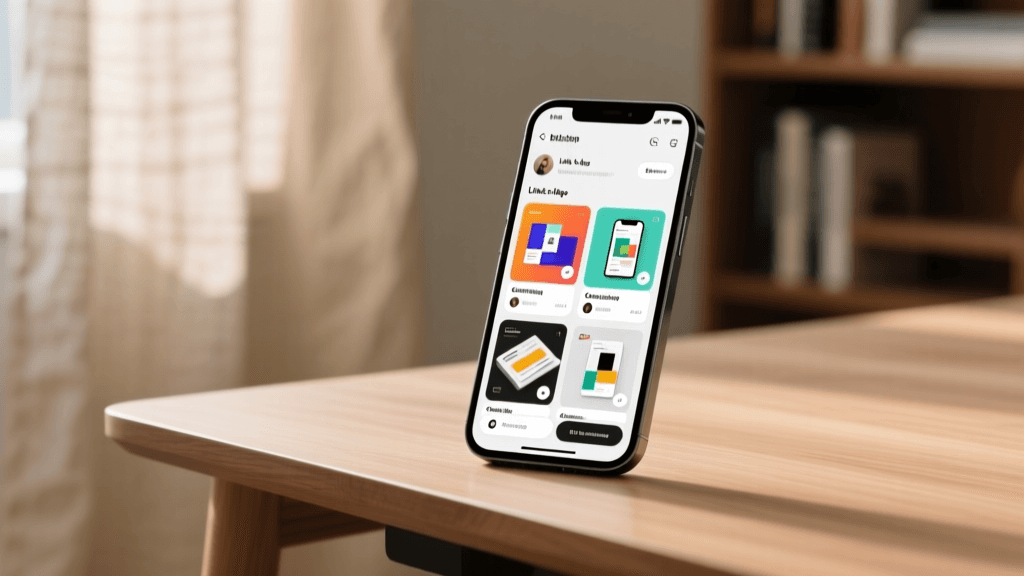
If your podcast has a massive back catalog, your greatest asset is your archive. This gallery layout organizes your episodes into visual categories or playlists. Imagine a grid of beautifully designed thumbnails representing different series or themes within your show. For a true crime podcast, you might have categories like 'Unsolved Mysteries,' 'Historical Cases,' & 'Listener Submissions.' For a business podcast, categories could be 'Startup Stories,' 'Marketing Masterclasses,' & 'Leadership Interviews.' This approach turns your link in bio into a Netflix-style browsing experience, encouraging users to fall down a rabbit hole of your content.
Layout 3: The Host Persona Hub
Many podcasts are built entirely around the charisma and personal brands of the hosts. In this layout, the gallery focuses on the people behind the microphone. The top section features professional, engaging photography of the hosts, perhaps in a studio setting or out in the field. Below the imagery, you link to the hosts' individual social media profiles, personal newsletters, and solo projects. This layout is highly effective for comedy podcasts, advice shows, and commentary channels where the parasocial relationship with the audience is the primary draw.
Layout 4: The Monetization and Merch Gallery
For independent podcasters, the link in bio is a critical revenue stream. This layout prioritizes visual e-commerce integrations. Instead of just linking to a store, you embed a visual gallery of your best-selling merchandise, complete with high-quality lifestyle photos. You can integrate directly with platforms like Shopify to allow users to browse products without leaving the page. Alongside merch, this gallery highlights Patreon tiers, premium Substack subscriptions, and exclusive live event tickets. By making the monetization options visually appealing and easy to navigate, you significantly increase your conversion rates.
Layout 5: The Minimalist Audio Drop
Sometimes, less is more. If your show relies on a clean, distraction-free vibe, consider exploring minimalist bio ideas for your landing page. This gallery strips away all clutter, featuring a single, striking piece of album art, a brief tagline, and a unified smart link that automatically routes the user to their preferred listening app based on their device. It is elegant, fast-loading, and respects the user's time.
Essential Links Every Podcaster Must Include
Regardless of the visual layout you choose, certain foundational links must be present in your gallery to ensure a seamless user experience.
First and foremost is the Smart Link. Never link directly to a single platform like Apple Podcasts, as this alienates Android and Spotify users. Use a smart link service (like Podlink, Linkfire, or Songlink) that detects the user's device and opens their preferred podcast app. This single link should be the most prominent button in your gallery.
Second, include a link to your Show Notes & Transcripts. Accessibility and SEO are crucial. Providing a dedicated page for each episode's show notes not only helps with search engine discovery but also serves listeners who prefer to read or need accommodations.
Third, integrate a Newsletter Signup. Social media algorithms are fickle, and podcast platforms do not give you direct access to your listeners' email addresses. Your link in bio gallery must feature a compelling opt-in form or a link to your landing page where users can join your mailing list in exchange for exclusive bonus content or behind-the-scenes updates.
Fourth, provide a direct line to Sponsorships & PR. As your show grows, brands will want to reach you. Include a clearly labeled 'Work With Us' or 'Sponsorship Inquiries' link that leads to a professional media kit and contact form.
Optimizing Your Instagram Profile for Podcast Growth
Your link in bio does not exist in a vacuum; it is the culmination of your entire Instagram profile strategy. Before a user ever clicks your link, they must be convinced by your profile picture, your grid, and most importantly, your bio text. To master the text above your links, read our comprehensive guide on how to write an Instagram bio. Your bio should clearly state the value proposition of your podcast. Who is it for? What problem does it solve, or what emotion does it evoke?
If you are struggling to find the right words or want to test different hooks, our bio generator can help you craft compelling, keyword-rich descriptions that resonate with your target audience. Furthermore, your visual branding must be cohesive. For shows with a highly curated visual brand, exploring aesthetic bio ideas can align your profile text with your podcast's cover art and Instagram grid, creating a unified, professional appearance that builds immediate trust with new visitors.
Tool Comparison: Which Link in Bio Tool Fits Your Show?
To build your creative inspiration gallery, you need the right software. Let us compare the top tools available for podcasters.
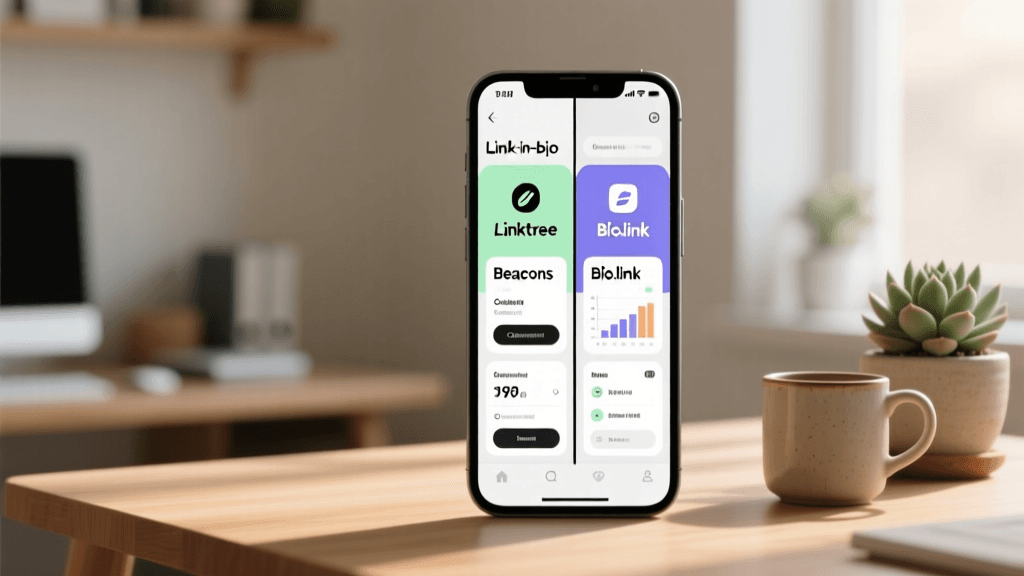
Linktree: The undisputed pioneer of the space. Linktree is reliable, universally recognized, and integrates with almost every platform. However, its standard layout is heavily text-based. To achieve a true visual gallery, you must upgrade to their premium tiers to unlock custom backgrounds, embedded media, and advanced analytics. It is a solid choice for beginners but may feel limiting for highly visual brands.
Beacons: Beacons is a powerhouse for creators who want a highly customizable, mobile-optimized landing page. It offers excellent visual gallery blocks, allowing you to embed YouTube videos, Spotify players, and TikTok feeds directly into your link page. Beacons also features built-in e-commerce and digital product selling, making it ideal for podcasters who sell courses, guides, or premium audio.
Bio.link: This tool excels in the visual gallery department. Bio.link allows for stunning, image-heavy layouts that feel more like a digital magazine than a list of links. It is perfect for the 'Episode Spotlight' and 'Binge-Listener' layouts mentioned earlier. The design flexibility is top-tier, and the page load speeds are exceptionally fast.
Podpage: Built specifically for podcasters, Podpage automatically generates a beautiful, SEO-optimized website from your RSS feed. While it is more of a full website builder than a simple link in bio tool, many podcasters use their Podpage URL as their Instagram link because it dynamically updates with every new episode, ensuring your link in bio is always current without manual intervention.
Conversion Optimization: Turning Scrollers into Listeners
Driving traffic to your link in bio is only half the battle; converting that traffic into actual listens is where the real strategy lies. Conversion optimization for podcasters requires reducing friction and increasing motivation.
One highly effective tactic is the use of micro-commitments. Instead of asking a user to commit to a sixty-minute episode immediately, offer a low-friction entry point. Embed a thirty-second audio trailer or a video teaser directly on your link page. When a user can sample the audio quality and the host's energy without leaving the page, they are significantly more likely to click through to their podcast app to hear the rest.
Another strategy is leveraging exclusivity and urgency. Use your Instagram Stories to promote a 'secret' episode or an extended cut that is only accessible through the link in your bio. By framing the link as a gateway to exclusive content rather than just a directory, you create a psychological trigger that compels users to click.
Additionally, ensure that your call-to-action (CTA) buttons are action-oriented. Instead of a generic 'Click Here' or 'Website,' use dynamic CTAs like 'Play the Latest Mystery,' 'Join the VIP Listener Club,' or 'Grab Your Discount Code.' The language on your buttons should match the excitement and tone of your show.
A/B Testing Your Gallery
To truly master your link in bio strategy, you must embrace A/B testing. The creative inspiration gallery approach is highly visual, meaning small changes in imagery, button color, and copy can have massive impacts on your conversion rates. Start by testing your featured image. Does a high-contrast graphic with bold typography outperform a candid behind-the-scenes photo of the hosts? Run each variation for two weeks and compare the click-through rates to your smart link.
Next, test your button copy. As mentioned earlier, action-oriented CTAs are crucial, but the specific phrasing matters. Test 'Play the Episode' against 'Listen to the Interview.' You may find that your specific audience responds better to curiosity-driven copy like 'Discover the Secret' rather than direct instructional copy.
Finally, test the order of your links. Does placing the newsletter signup above the merchandise store yield more email subscribers? By continually iterating and refining your gallery based on hard data, you transform your link in bio from a static directory into a highly optimized growth engine for your podcast.
Analytics and Tracking Your Podcast Funnel
You cannot improve what you do not measure. A robust link in bio strategy requires meticulous tracking to understand how your Instagram audience interacts with your podcast ecosystem.
Start by utilizing the native analytics provided by your link in bio tool. Track the overall click-through rate (CTR) from your Instagram profile to your landing page. More importantly, analyze the heat maps and individual link clicks to see which episodes, products, or platforms are generating the most interest.
To take your tracking to the next level, implement UTM parameters on your links. By adding UTM tags to the URLs in your gallery, you can track exactly how much traffic your Instagram bio is sending to your website, your newsletter signup, or your merch store. This data is invaluable when pitching to sponsors, as it proves the direct ROI of your social media presence.
Finally, cross-reference your link in bio analytics with your podcast hosting analytics. If you notice a spike in link clicks on a Tuesday, but your podcast downloads do not reflect a similar spike, there is a disconnect. Perhaps the smart link is broken, or the landing page is loading too slowly. Continuous monitoring allows you to identify and fix these leaks in your conversion funnel.
Platform Integrations for Maximum Reach
Modern podcasting extends far beyond audio apps. Integrating your link in bio gallery with other platforms creates a cohesive digital footprint.
If you produce video podcasts, integrating your YouTube channel directly into your gallery is non-negotiable. Tools like Beacons and Bio.link allow you to embed your latest video, capturing the audience that prefers visual consumption.
For podcasters who utilize Patreon or Apple Podcasts Subscriptions for premium content, your link in bio must serve as the primary funnel for these paid tiers. Highlight the benefits of your premium tier with visual badges and testimonials from current subscribers.
If your podcast features music, indie artists, or audio dramas with original scores, integrating Spotify Canvas or direct playlist links ensures that the auditory experience continues seamlessly from your show to the listener's daily music rotation.
Frequently Asked Questions (FAQ)
To wrap up this comprehensive guide, let us address some of the most common questions podcasters have about optimizing their link in bio.
Can I embed a podcast player directly in my Instagram bio link?
While you cannot embed an audio player directly into the Instagram app interface itself, many premium link in bio tools allow you to embed a Spotify or Apple Podcasts player directly onto your landing page. This allows users to press play and listen to a preview or a full episode without navigating away from the page, drastically reducing friction and increasing engagement.
How often should I update my link in bio gallery?
Your gallery should be a living, breathing extension of your show. At a minimum, you should update the 'Spotlight' or featured episode link every time a new episode drops. However, the foundational links (Smart Link, Newsletter, Merch, Host Socials) should remain permanent. Use the dynamic sections of your gallery to reflect current seasons, live tour dates, or limited-time sponsorship offers.
What is the best call-to-action (CTA) for a podcast link in bio?
The best CTA is one that promises immediate value. Instead of 'Listen Now,' try 'Hear the Untold Story,' 'Get This Week's Strategy Guide,' or 'Join 50,000 Weekly Listeners.' Tailor the CTA to the specific hook of your latest episode or the primary benefit your show provides to the listener.
Should I use a custom domain for my link in bio?
Absolutely. While free tiers of link tools provide a subdomain (e.g., linktr.ee/yourpodcast), purchasing a custom domain (e.g., links.yourpodcast.com) elevates your brand's professionalism. It builds trust, looks cleaner in your Instagram profile, and ensures that you own the destination URL, protecting you from platform changes or broken links.
How do I handle multiple podcasts or a podcast network?
If you run a network or host multiple shows, your link in bio gallery must act as a central hub. Use a grid layout featuring the distinct cover art of each show. Below each image, include a dedicated smart link for that specific podcast. Keep the branding of the landing page aligned with the parent network's identity while allowing the individual show thumbnails to stand out.