Why Podcasters Need a Link in Bio
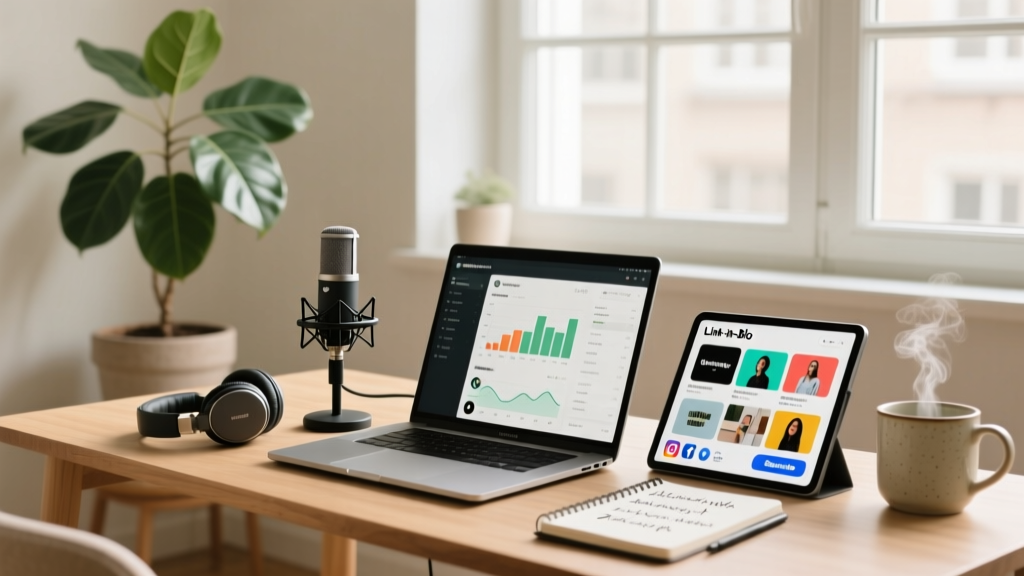
Instagram allows only one clickable link in your bio. For podcasters with episodes across Spotify, Apple Podcasts, YouTube, and a website, that single link needs to work overtime. A link-in-bio page consolidates all your listening platforms and content into one destination.
What to Include in Your Podcast Link Page
- Latest episode: Feature your newest episode at the top with a compelling title
- Subscribe links: Spotify, Apple Podcasts, Google Podcasts, Amazon Music
- Show notes: Link to detailed episode show notes on your website
- Guest info: If you have guests, link to their socials and websites
- Merch or products: If you sell anything, include it here
Best Link-in-Bio Tools for Podcasters
Several tools cater specifically to podcasters:
- Linktree: Most popular, simple setup, podcast-specific templates
- Beacons: Built-in analytics, email capture, and podcast embedding
- Carrd: One-page website builder, more design flexibility
- Podpage: Purpose-built for podcasts, auto-updates with new episodes
Promoting Your Link in Bio
Don't just set it and forget it. Mention your link in bio during episodes, add a CTA in your Instagram stories, and use the "link sticker" to drive traffic. Pin a story highlight called "Listen" that links to your latest episode.
Track Your Results
Use link-in-bio tools with built-in analytics to track click-through rates. Monitor which episodes drive the most clicks and adjust your Instagram strategy accordingly. A/B test different link orderings to see what converts best.